The prerequisite is the Refluenced App, which you can download from the AppStore or PlayStore and create your Refluenced account. Here you get an overview of all campaigns and brands and can apply to them.
And this is how it works:
Click on a campaign that you like.
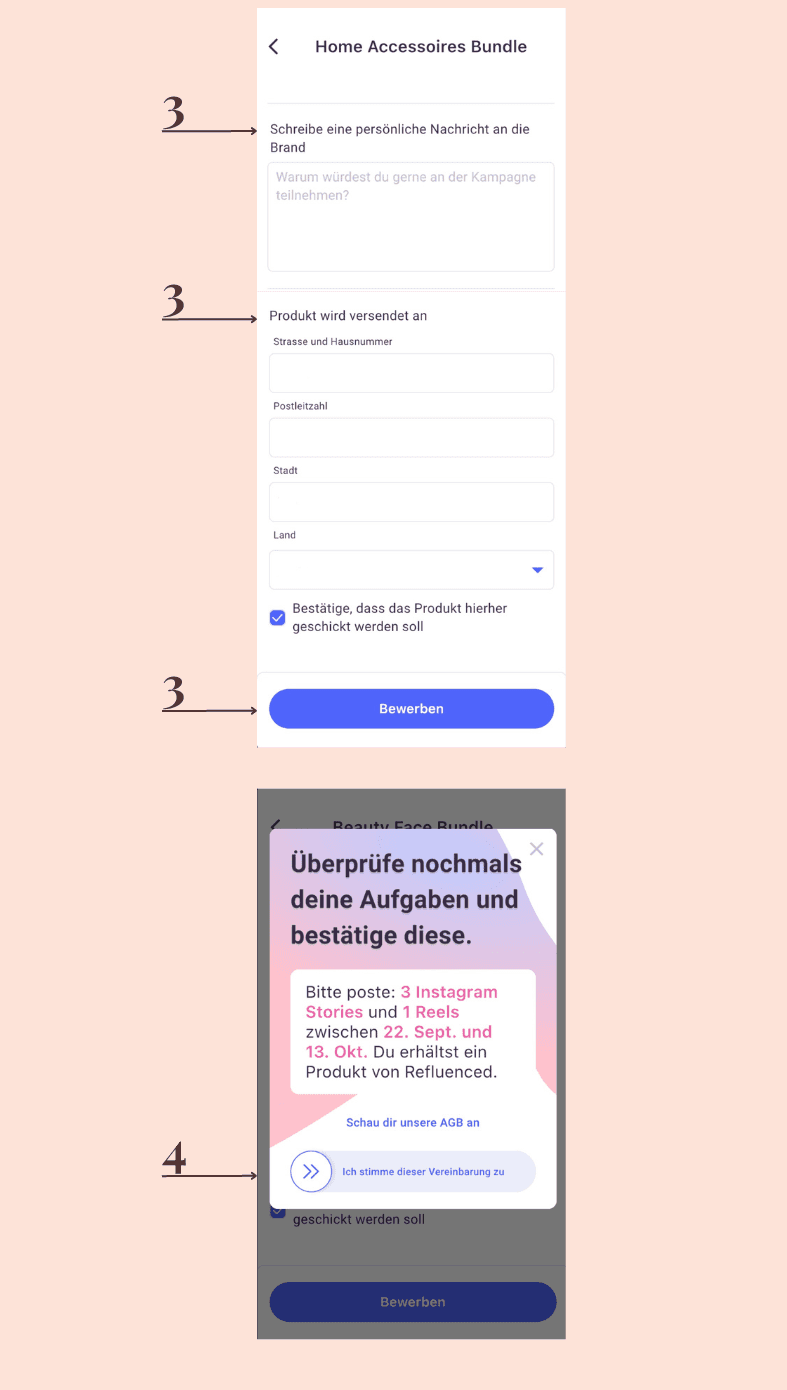
At the very bottom you will find the “Apply” button.
Now you can enter a personal message and you must verify your address where the product should be sent. If everything is correct, confirm again with “Apply”.
Slide the “I agree to this agreement” button to the right to confirm your task.
Now your application has been received by the brand and you will be informed about the subsequent steps by the brand.

More questions